How to Redeem Brawlbox Codes
Promo boxes vs tournament join codes—clear steps and troubleshooting.
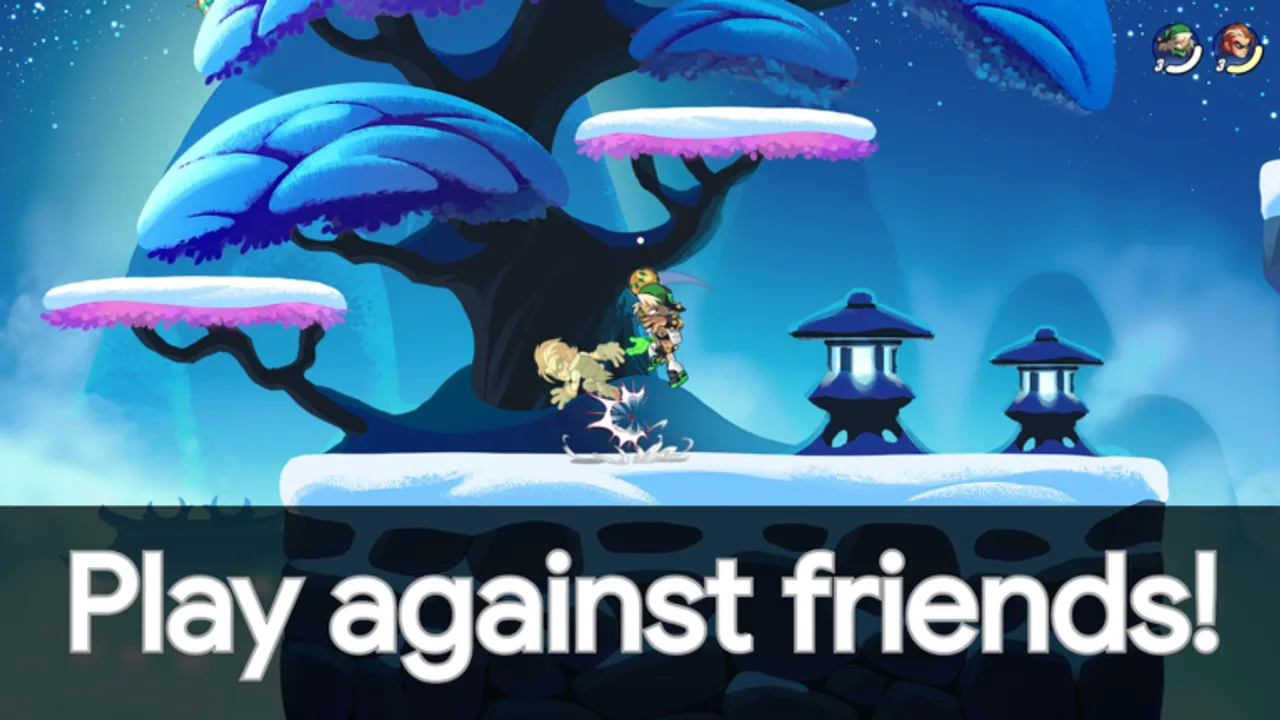
This guide explains how to redeem codes in Brawlbox the safe way: what to do when a promo field exists, how tournament join codes differ, and how to troubleshoot failures without falling for phishing. Right now the Codes Hub lists no confirmed promo codes, but redemption habits still matter because Temp’s Workshop ships weekly updates that can add UI, events, or gifts without much warning.
Brawlbox is a free Roblox 2D platform fighter with casual matches, ranked 1v1 / 2v2, custom lobbies, and tournament entry via code. Knowing which “code” someone sent you saves time and protects your account.
Promo codes vs tournament codes vs lobby codes
| Kind | Purpose | Success looks like |
|---|---|---|
| Promo / gift code | Grants cosmetics, currency, or items when supported | Inventory or toast reward |
| Tournament join code | Enters an event bracket or tournament lobby | You land in the event flow |
| Custom / party code | Helps friends reunite in a custom lobby | Shared lobby with your party |
If a streamer says “use code,” ask which column they mean. A perfect tournament string will still “fail” inside a promo box.
Before you redeem anything
- Launch the official experience: Brawlbox on Roblox.
- Confirm you are logged into the correct account.
- Enable 2FA on Roblox if you have not already.
- Ignore links that ask you to log in again on a copycat site.
- Skim the Codes Hub for status—do not trust random image macros alone.
How promo redemption usually works in Roblox fighters
Exact button labels can change after weekly patches. Use this as a habit checklist once a Codes field appears in Brawlbox:
- Finish any mandatory tutorial popups so menus are reachable.
- Open the shop, settings, hamburger menu, or rewards tab—games vary.
- Look for Codes, Redeem, Gift, or Promo.
- Type the code carefully. Respect capitals and avoid extra spaces.
- Submit once; wait for a success or error toast.
- Check inventory / cosmetics / mail-style reward panels.
- Screenshot successes for your records.
If you cannot find a Codes field at all, assume promos are not live yet—that matches our current hub status. Do not download a third-party “redeemer.”
How tournament join codes usually work
Brawlbox’s description highlights joining tournaments with a code. Typical flow:
- Party up with teammates if the event is 2v2.
- Open the tournament, events, or join-via-code panel in-game.
- Paste the organizer’s code.
- Confirm ready status and bracket rules.
- Warm up in Training Ground while you wait.
Tournament codes grant access, not free legend unlocks. Bring a practiced main from the legends roster and know your tier list plan for the mode.
Custom lobby and party tips
Hosting friends?
- Create a custom lobby from the party tools.
- Share the lobby identifier your client shows—not your Roblox password.
- Agree on legends and rules before the first stock.
- Use replays afterward to review team mistakes.
Troubleshooting failed codes
| Symptom | Likely cause | What to try |
|---|---|---|
| Invalid code | Typo, wrong game, expired | Retype; verify source; check hub |
| Already redeemed | One-per-account limit | Stop retrying; check inventory |
| No codes UI | Feature not shipped / different menu | Rejoin after update; wait for patch |
| Works for friend only | Region, platform, or account flags | Compare versions; contact support if needed |
| Link asks for password | Phishing | Close tab; change password |
Also distinguish executor scripts that promise auto-redeem—read the Scripts Hub warnings. Those tools are scarce for Brawlbox and frequently malicious.
Mobile, console, and PC notes
Brawlbox supports phone, tablet, console, and PC. On touch devices:
- Paste codes from a notes app when possible to avoid typos
- Watch for on-screen keyboards covering the submit button
- Rotate to landscape if the menu clips
On console, use a linked keyboard entry method if the virtual keyboard mis-capitalizes.
What to do while no promos exist
Spend your time on systems that already work:
- Learn controls via Getting Started
- Lab archetypes on the Players Hub
- Track balance on Patch Notes
- Climb casual → ranked without waiting on gifts
Codes are a bonus. The core loop—stocks, knockback, seventy legends, weekly patches—does not require them.
Safety rules worth repeating
- Never enter your password outside Roblox
- Never pay real money for “private code lists”
- Never run unverified loadstrings to claim gifts
- Never share account cookies in Discord DMs
Related pages
- Codes Hub — live status table when codes exist
- Updates Hub — weekly timing that often coincides with gifts
- Guides Hub — broader how-tos
- Links Hub — official experience link
When a real promo lands, redeem it in-client, confirm the reward, then cross-check this wiki’s Codes Hub. Until then, treat every “working 100% codes” collage as unverified noise.
Frequently Asked Questions
Quick answers about legends, ranked, and codes.
Can I redeem Brawlbox codes right now?
No promo codes are confirmed yet, and a codes field may not appear until the developers add one. Check the Codes Hub after weekly updates.
Is a tournament code the same as a promo code?
No. Tournament codes help you join events or brackets. Promo codes—when they exist—grant rewards through a redeem UI.
Why does my code say invalid?
Common causes are typos, expiry, wrong game, already redeemed, or using a tournament string in a promo box.
Is it safe to use a website to redeem?
No. Only redeem inside the official Brawlbox experience on Roblox. Third-party redeem sites are frequent phishing traps.
Do I need Premium to redeem?
Most Roblox game promos do not require Premium, but always read the specific code rules when an official drop is published.