Brawlbox Controls on Every Device
Keyboard, controller, and touch layouts for movement, offense, dodge, and recovery.
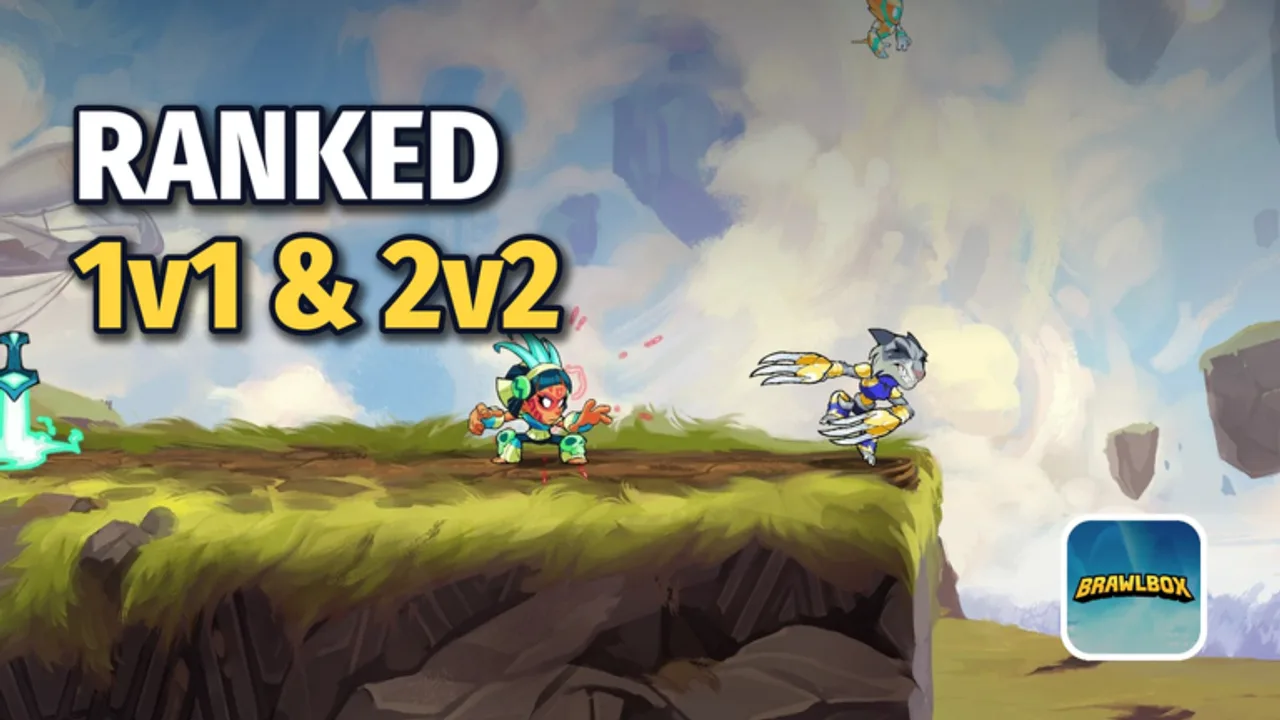
Clean inputs win stocks in Brawlbox. The game is a free Roblox 2D platform fighter playable on PC, console, phone, and tablet, with touch controls included for mobile. This guide maps the control categories you need—movement, attack, special, dodge, and recovery—then adds device-specific tips and accessibility habits. Pair it with Getting Started for the first-hour path, Training Ground for drilling, How to Win Matches for converting inputs into stocks, and Ranked Ladder once your hands feel settled.
Exact key labels can shift with Roblox client updates and your own remaps. Treat the sections below as a framing checklist: every useful action should be reachable without looking at your hands.
Control pillars in a platform fighter
Brawlbox combat uses percent that builds into stronger knockback until opponents leave the blast zone. Your inputs should support five pillars:
- Movement — walk, run or dash analogs, crouch or drop-through where stages allow, jump, and double jump.
- Offense — grounded attacks, aerial attacks, and directionals that change hitbox shape and knockback angle.
- Specials / signature tools — character-specific moves tied to weapons or unique kits. Learn one reliable special per legend before inventing flashy sequences.
- Defense — dodge or spot-dodge style avoidance, shield-like options if present in your build, and intentional get-up choices after knockdown.
- Recovery — the mix of jumps, specials, and drift that returns you to stage after you are sent off.
If any pillar feels awkward on your device, fix bindings before grinding ranked. Bad binds create panic habits that Training Ground cannot fully erase.
PC: keyboard and mouse
Keyboard remains popular for precise left-right drift and discrete attack directions.
Suggested habits (remap to taste):
- Keep movement on a comfortable WASD-style cluster or arrow keys if that is what you already use in Roblox.
- Put jump on a key you can hit while holding a direction—space or a thumb-adjacent key is common.
- Bind primary attack and special so your fingers do not collide when you try aerial drift plus attack.
- Give dodge its own dedicated key; sharing dodge with jump causes accidental air dodges into kills.
- If mouse buttons feel natural, map attack or special there so the keyboard hand stays free for movement.
Practice drills on keyboard:
- Hold a direction, jump, and release into a short hop style aerial without slamming the attack key early.
- Walk off a platform edge, recover with double jump plus special, and land on stage without mashing.
- Dash or run in, stop, and throw a grounded poke—stops overextension.
Open Training Ground and repeat each drill for two minutes. Keyboard players often mash jump when nervous; the fix is a slower recovery cadence, not more keys.
Controller (console and PC pads)
Controllers excel at analog movement and simultaneous shoulder inputs.
Layout priorities:
- Left stick for movement and DI-style drift when you are in hitstun or recovering.
- Face buttons for jump and primary attack in a pattern you can hit blind.
- Shoulders or triggers for special and dodge so you never remove the thumb from the stick mid-neutral.
- Confirm that soft press versus full press on triggers does not accidentally fire the wrong action if your pad is worn.
Controller-specific tips:
- Slight stick drift can ruin recoveries. Recalibrate or deadzone in system settings if your legend walks on its own.
- Practice tilt-style gentle stick inputs versus smash-style full flicks if your legend kit rewards angled attacks.
- In 2v2, keep callouts short while your thumbs stay on sticks—see partner habits in Ranked Ladder.
Controllers shine for consistent DI and recovery arcs. Use that advantage: every time you are launched, decide a drift direction immediately instead of recentering the stick.
Mobile and tablet touch
Touch controls make Brawlbox playable on phone and tablet, but screen size changes everything.
Setup checklist:
- Play in landscape whenever possible so movement and attack clusters do not overlap.
- Increase virtual button size or opacity if the client allows it; missed dodge taps lose more stocks than missed cosmetics menus.
- Anchor thumbs: left thumb for movement pad, right thumb for attack / special / jump cluster. Avoid chasing buttons across the screen mid-match.
- On smaller phones, prefer shorter aerial strings and safer recoveries until your tap accuracy improves.
- Tablets usually feel closer to controller spacing—use that extra room to separate dodge from jump.
Touch practice plan:
- Five minutes of movement-only: run, jump, land, turn around without attacking.
- Five minutes of attack-only against a CPU or Training Ground target while standing still.
- Five minutes combining both at half speed.
- Only then queue casual.
If touch still feels unfair, switch to a controller on a supported device for ranked blocks. Platform fighter precision rewards input comfort over stubbornness.
Movement, attack, special, dodge, recovery—how they connect
Movement creates turns. Walk to bait, burst to punish, and use jumps to change timing. Empty hops (jumping without attacking) force opponents to whiff.
Attacks should answer a question: are you poking, starting a string, or fishing for a kill confirm at high percent? Random aerials in neutral teach opponents to punish you. Pick a role per swing.
Specials are legend identity. Some specials recover, some cover space, some kill early. Read archetype notes on Legends Roster and strength context on the Tier List / Legends Tier List without treating any list as permanent—weekly patches move the meta. See Patch Notes.
Dodge is a scarce resource in spirit even when the cooldown is short. Dodge toward safety or through a predictable swing; dodging into the blast zone or on instinct every hitstun exit is how stocks vanish. Spot-style avoidance helps against linear approaches; directional dodges help escape corner pressure.
Recovery is the last skill beginners ignore. When you leave stage:
- Drift with purpose toward ledge or stage center.
- Spend double jump when it actually gains height or beats an edgeguard, not on panic.
- Use the recovery special as the committed return tool.
- Mix timing so edgeguarders cannot react to the same pattern every stock.
Drill that sequence in Training Ground, then stress-test it in casual before ranked.
Accessibility and comfort tips
- Remap early. Do not wait until Diamond-equivalent frustration to move dodge off an unreachable key.
- Reduce clutter. Hide unnecessary HUD elements if the client allows, especially on mobile.
- Audio cues. If hits or landings have clear sounds, keep game audio audible—timing improves when ears help eyes.
- Color and silhouette. Pick cosmetics that contrast with stages so you track your own hurtbox; cosmetics do not add power, but readability does. Progression tips sit in Getting Started.
- Breaks. Hand pain means stop. Stretch wrists between sets; platform fighters punish fatigue with dropped recoveries.
- One change at a time. Remap a single button, play ten casual matches, then evaluate. Changing everything overnight resets muscle memory.
Warm-up input routine (five minutes)
Before any ranked queue:
- Movement only across the stage for one minute.
- Ten intentional short aerials with clean landings.
- Ten recoveries from the same offstage spot with mixed timings.
- Five dodge-into-punish attempts against a CPU swing or recorded pattern if available.
- One full CPU stock focusing on not mashing jump.
Then decide: casual cool-down or ranked climb. Decision rules live in Ranked Ladder. Converting clean inputs into edgeguards and stage control is covered in How to Win Matches.
Common input mistakes
- Binding jump and dodge too close, causing air-dodge suicides.
- Holding attack while trying to drift, which locks you into the wrong aerial.
- Recovering with the same timing every stock.
- Playing ranked on a brand-new touch layout.
- Ignoring stick drift on controllers until you SD twice.
Fix the bind or habit, then verify in Training Ground. If you research helper tools or scripts, read Scripts only as a cautionary hub and follow Roblox rules—input skill is the durable advantage.
Cross-links for the next step
- New to the game? Return to Getting Started.
- Ready to drill? Open Training Ground.
- Ready to convert stocks? Study How to Win Matches.
- Ready for ladders? Read Ranked Ladder.
- Choosing who to bind for? Skim Legends Roster and the Tier List.
- Site map: Wiki links and the Guides Hub.
Mastering controls is not about memorizing every legend string on day one. It is about making movement, attack, special, dodge, and recovery trustworthy on the device you actually play. Once that trust exists, weekly updates and roster rotations become opportunities instead of excuses.
Frequently Asked Questions
Quick answers about legends, ranked, and codes.
Does Brawlbox support phone and tablet controls?
Yes. Touch controls are included for phone and tablet. Use landscape, enlarge buttons if possible, and warm up movement before queuing ranked.
Should I play ranked on a new control layout?
No. Remap, then spend time in Training Ground and casual until jump, attack, special, and dodge feel automatic. Ranked magnifies input mistakes.
What is the most important bind to get right?
Give dodge and jump distinct, comfortable inputs. Shared or cramped binds cause panic air dodges and wasted recoveries.
Keyboard or controller—which is better?
Whichever you can execute recovery and DI on consistently. Controllers help analog drift; keyboards help discrete directions. Comfort beats community preference.
How do I practice recovery inputs?
In Training Ground, leave stage from the same spot, drift with intent, spend double jump on purpose, then use your recovery special. Mix timing across ten reps.
Do cosmetics change controls or power?
No. Cosmetics are visual unlocks. Choose readable silhouettes, but improve with binds, Training Ground, and match review instead of shop pressure.